Reading log
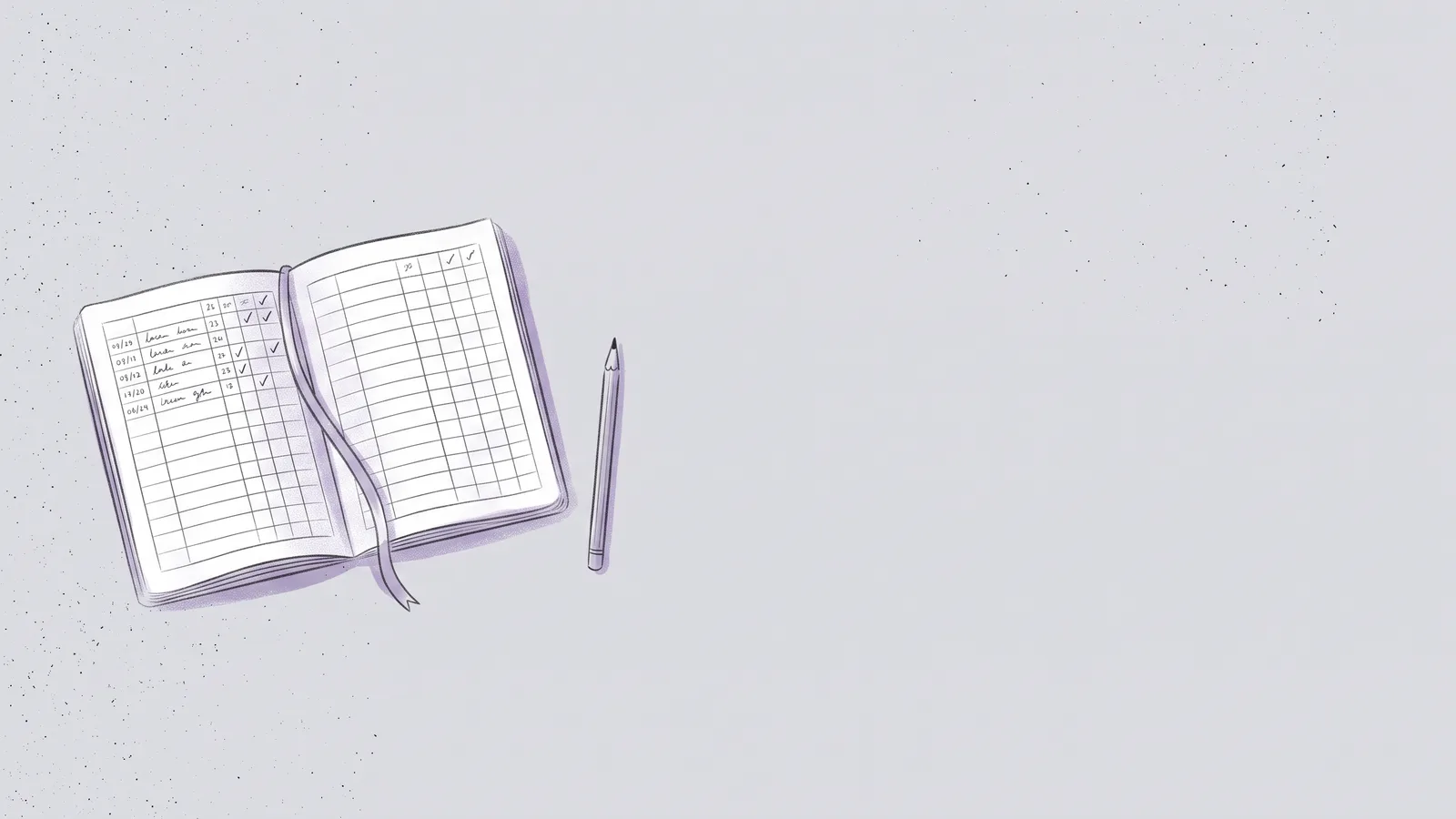
Write down each book you read, with the dates, pages, a rating and one thing to remember. Your log stays in this browser, and you can print it filled in or blank.
YOUR LOG
The books you add show up here. They're saved in this browser only, so nothing leaves your device.
Removed.
Bundle keeps the log for the articles you read
Save an article from Safari or Chrome and Bundle keeps it with your highlights, files it under a topic, and asks you a few questions at the end so it stays with you.

What to write in a reading log
A reading log needs the title, the author and the dates you started and finished. That's enough to see how many books you read in a year and how long each one took.
Pages and a rating help when you look back. The most useful column is a short note: one idea, line or question you want to keep from the book. Write it the day you finish, while the book is still fresh.
How a reading log helps you remember what you read
Writing one thing to remember makes you pull an idea out of your own memory, and that's the same effort that makes active recall work. A note written as a question works even better, because you can answer it again months later.
Read your log again every few weeks. Cover the note, try to say what you remember about each book, then check. For longer notes and quotes, keep a commonplace book next to the log, and mark the pages you want to find again as you annotate the book.
A printable reading log
Print my log puts every book you've added on a clean sheet, newest first, with no buttons or colors. Print a blank log gives you an empty sheet with the same columns to fill in by hand. Both fit on US Letter and A4.
To keep a copy outside this browser, use Download CSV. It opens in Excel, Numbers and Google Sheets.
How long will this book take?
Enter the page count in the reading time calculator to see how many hours a book takes at your speed, and how many days if you read 20 minutes a day.